An SOS comes in: a teammate has fallen below the bridge and hurt an ankle. Everyone's phone shows it. Now comes the part no messaging app answers. Who is going? Is anyone already on the way? Who is closest? Ten minutes later, is the person still waiting, or has someone reached them?
On a normal day a control room answers those questions with a dispatch system: a computer-aided dispatch (CAD) server, radios, a map on the wall. All of it depends on something staying up, the server, the network between it and the field, the cell towers the phones use. On the day that matters, a storm, a power cut, a jammed site, a crowd that swamps the network, that chain is often the first thing to go. The team still has its phones, and with O-LINK it can still message. What it loses is coordination.
So we built the coordination into O-LINK itself.
What dispatch needs, stripped down
Take away the control-room software and four things are left that a team can't do without:
- One owner. Every incident has exactly one person on it, and everyone can see who. Five people don't run to the same fence, and nobody assumes someone else went.
- The nearest free person. Whoever assigns needs to see who is close, how fresh that position is, and who is already busy.
- A way to talk. Fast, hands-busy, one-to-many: push-to-talk, the way radios work.
- A record. What happened, when, who did what, where. For the debrief, the report and, sometimes, the investigation.
How O-LINK does it
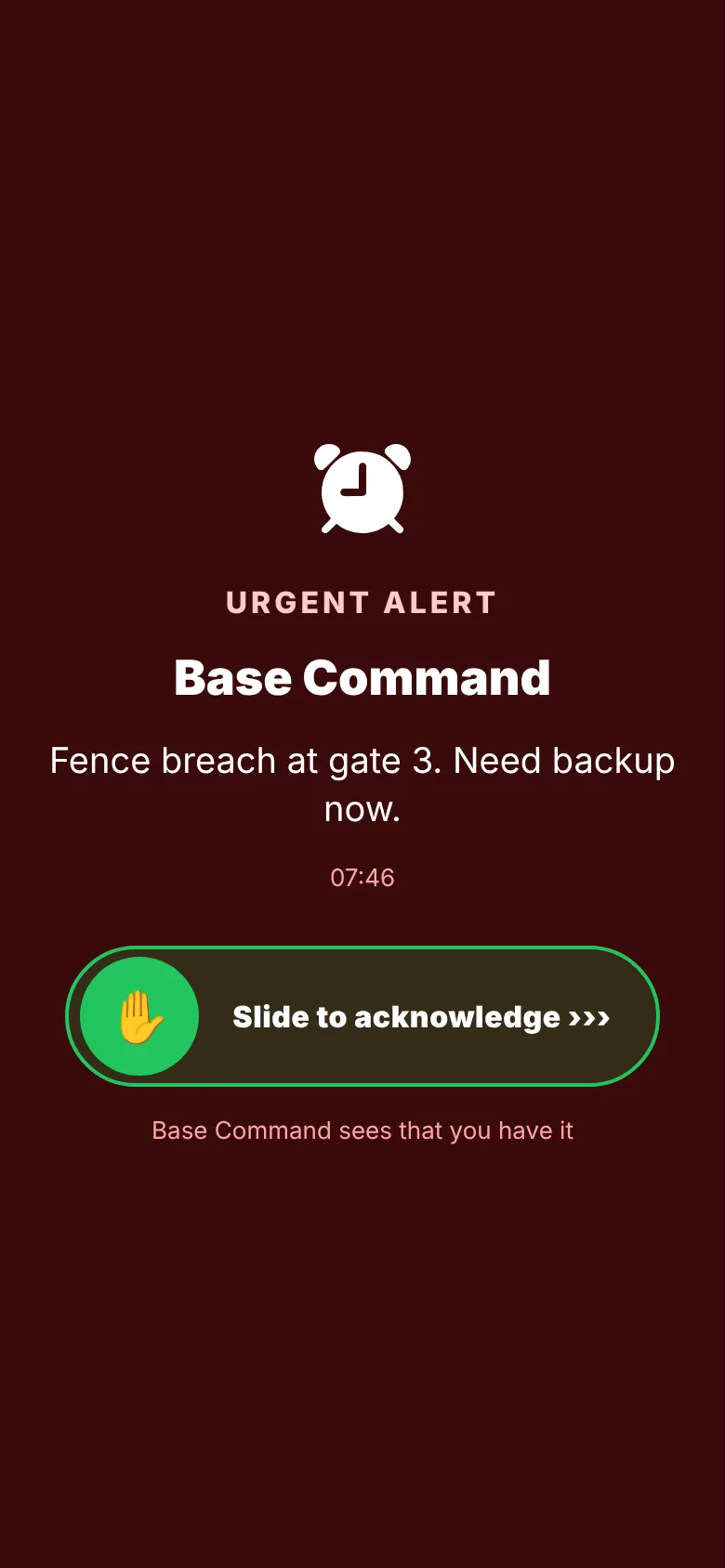
Incidents. An SOS in a team chat, a drone detection from a counter-UAS sensor or an alarm from one of your systems becomes an incident with one tap. It has a status, open, assigned, on scene, closed, and one owner. Anyone can take an incident nobody has; a team leader can give it to someone else; the person on it marks that they're on scene, hands it back or closes it with a summary. The team sees a red banner with the number of open incidents and which ones are theirs.
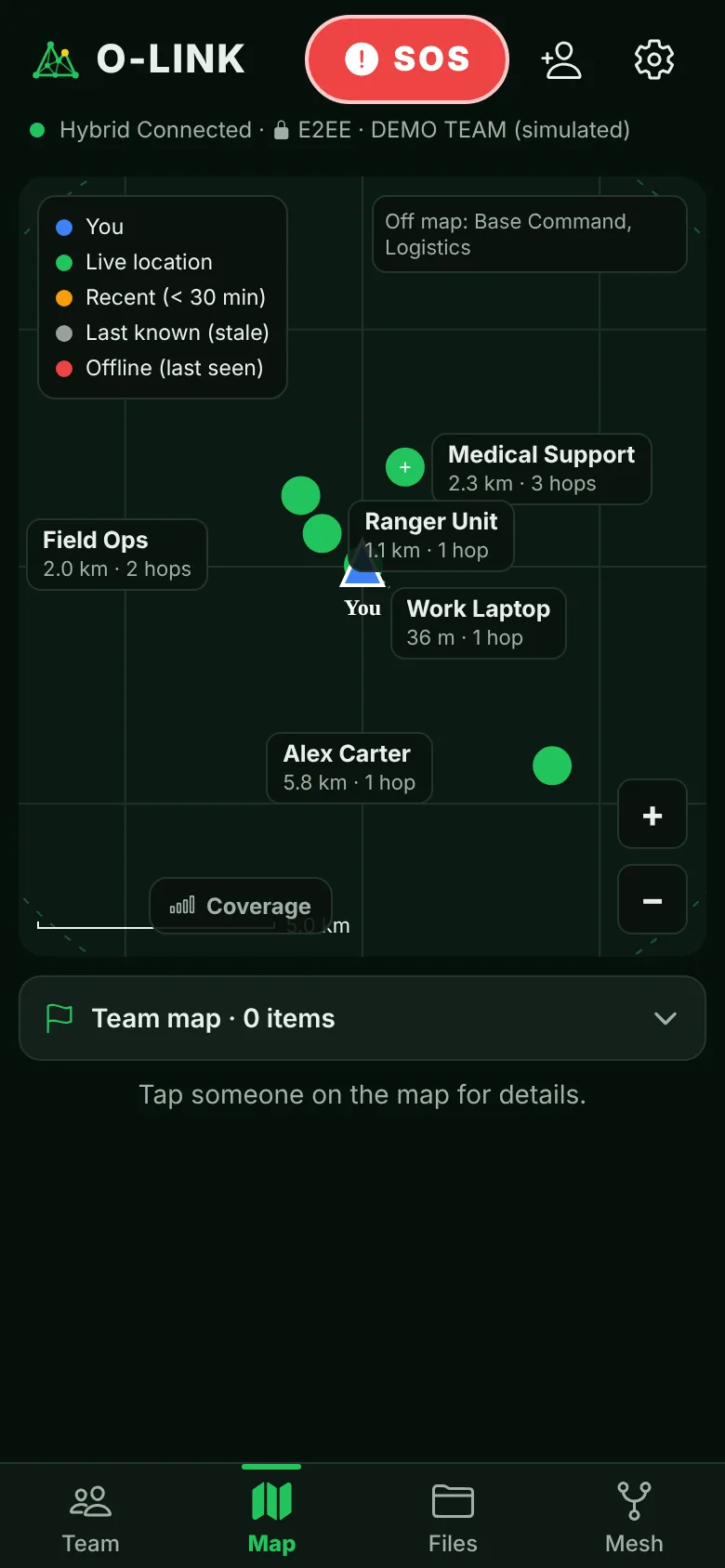
The nearest free teammate. On an incident, a leader sees the closest teammates by their last-known position, how far away they are, how old that position is, and whether they're already on another incident. One tap assigns; the assignee's phone tells them at once, even in the background. The person who raised the SOS is left out of that list, because they're the one who needs help.
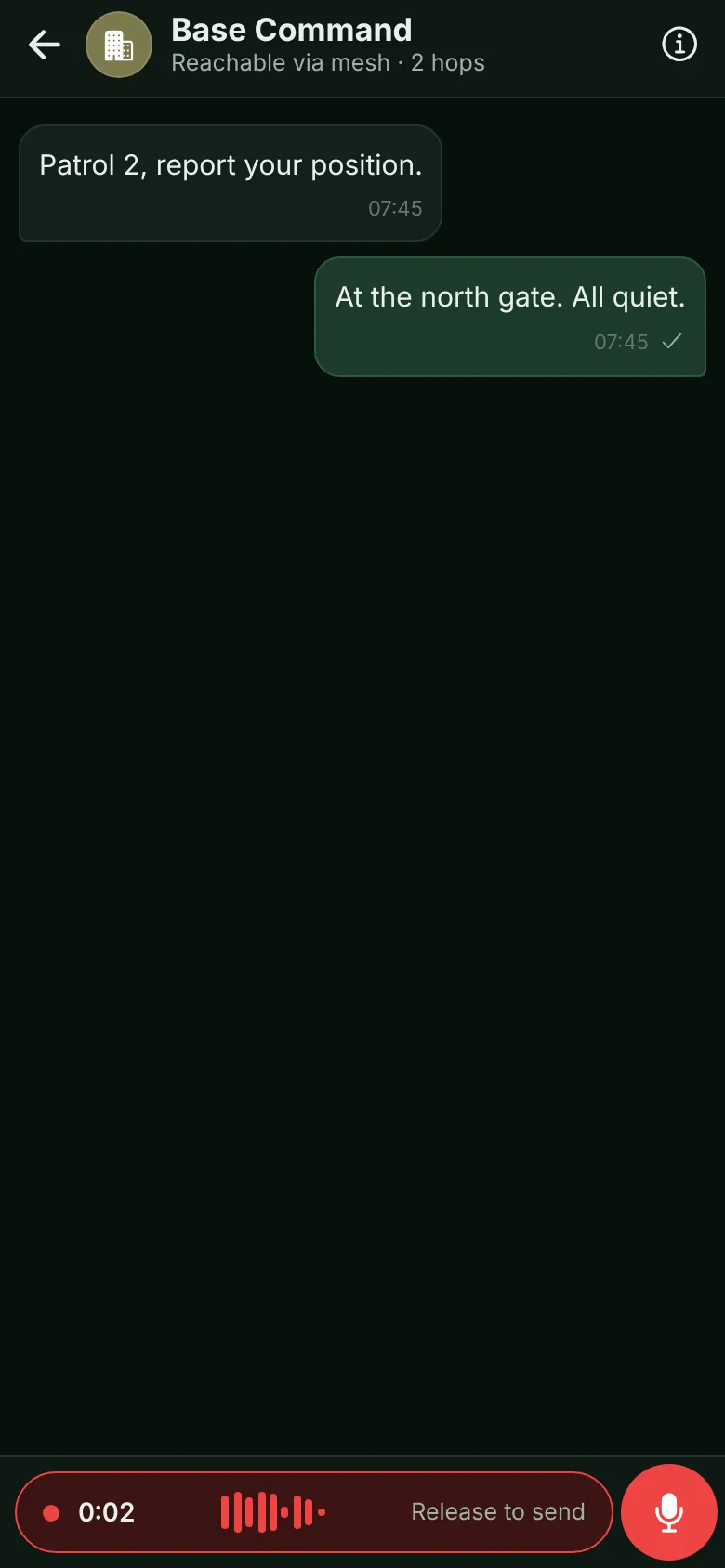
Push-to-talk like a radio. Every chat already had push-to-talk as voice messages, with a transcript that arrives first. Now a team can turn on a live channel: nobody's phone rings, teammates join with a tap, and whoever holds the button is heard as they speak. With no network at all, teammates in range of your pocket LoRa radio hear you live too, on the faster radio settings. Further away, push-to-talk goes as a voice message, so nothing is lost.
A timeline that writes itself. Notes and positions added during the incident build its timeline on every phone in the team. When it's closed, a signed incident report exports with the timeline and the team's messages for that period.
The dispatch desk
A team leader in a vehicle, a duty officer at a station or a control room needs the big picture. The dispatch desk puts it on one screen: a live map with everyone and every open incident, coloured by status; the incidents with buttons to assign the nearest free teammates; the alerts nobody has taken yet; and push-to-talk to a team, holding the space bar on a computer. It runs on a tablet, or on a laptop linked to a phone with one QR scan. There is nothing to install on a server: it's the same O-LINK, on a bigger screen, and it keeps working on the site's Wi-Fi when the internet is gone.
Why it keeps working when the network doesn't
An incident isn't stored on a server. Each change, opened, assigned, on scene, a note, closed, travels to the team end-to-end encrypted, over whatever link works: phone to phone, Wi-Fi with no internet, LoRa radio, or the internet through your own relay. A few properties make that safe in the field:
- Every phone ends up with the same picture. Changes can arrive late and out of order; each phone puts them in the same order and reaches the same state.
- A phone that was cut off catches up. When it reconnects, it gets what it missed. Someone who joins the team later gets the open incidents too.
- Only the right people can change an incident. Only a leader or whoever opened it can give it to someone else or close someone else's incident, and every phone checks that for itself. A change that claims to come from someone else is ignored.
What it isn't
O-LINK doesn't replace a city's emergency dispatch centre. If your control room runs its own dispatch system, O-LINK carries the field side and works next to it. For many teams, though, a utility crew, a site security team, a search and rescue group, an event's safety staff, this is all the dispatch they need, and it's on the phones they already carry. And radios remain the right tool where phones can't go; a pocket LoRa radio per vehicle or site is how O-LINK reaches the places with no network at all.
Try it on your site
The quickest test: three phones, Wi-Fi and mobile data off. Send an SOS from one, open an incident from it on another, assign the nearest person, and talk to them with the live channel or the radio. Then close it and look at the report.
— Baruch
Run the incident, not just the chat
O-LINK is free for teams up to 50, with incidents and the dispatch desk included. We'll help you set up a pilot on your site, with your phones.